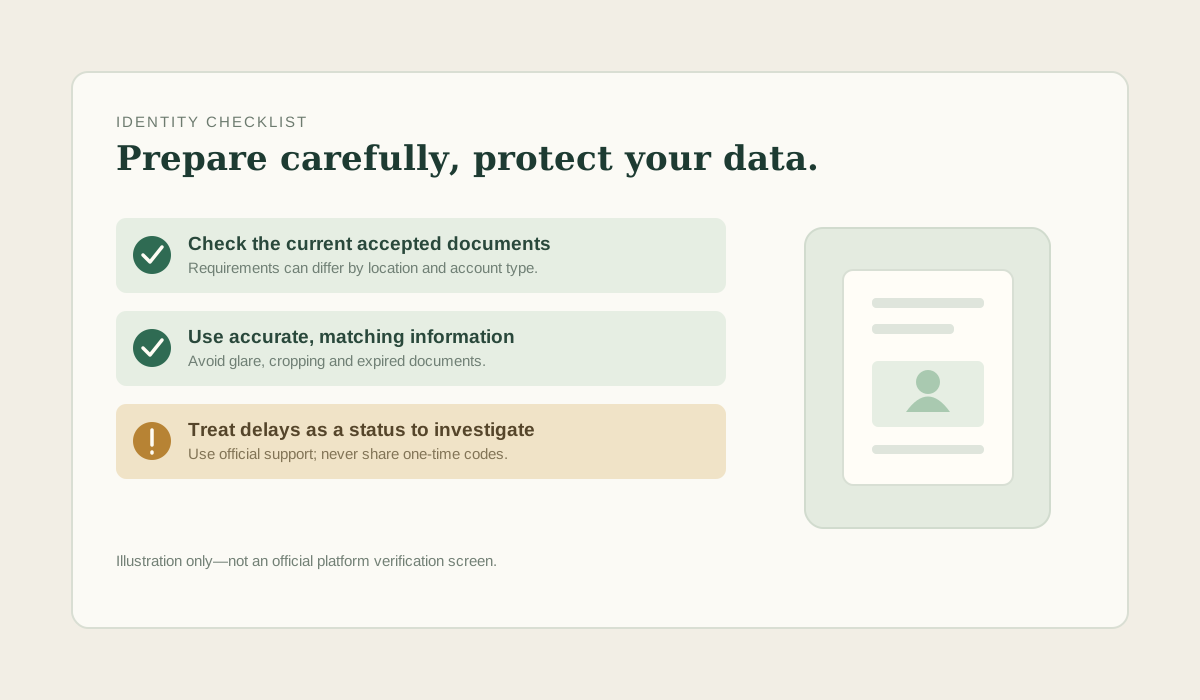
You upload your passport. You wait two days.
The result comes back: rejected, no reason given.
You upload it again, same photo, and get rejected again.
The third time you take a new photo and it passes in nine minutes.
Almost every failed identity check is a document problem, not an identity problem. The review system is looking for specific things, it does not tell you which one is missing, and the same photo can fail for four different reasons without the message changing.
Why the rejection message is useless
The message exists to tell you the outcome, not the cause. Telling you exactly which check failed would also tell people trying to commit fraud exactly how to get past it. So the same generic text covers everything.
That means the only way to fix a rejection is to eliminate the causes one at a time. There are four that account for most of them.
The four things that fail
| What the system checks | How it fails | How you fix it |
|---|---|---|
| All four corners visible | You cropped to the edges, or your hand covered a corner | Flat surface, whole document, nothing overlapping |
| No glare or reflection | Overhead light on a laminate surface | Daylight from the side, no direct flash |
| Text readable at full size | Photo taken too far away, or a low-resolution phone | Fill the frame with the document |
| Selfie matches the document | Glasses, hat, different lighting, or a photo of a photo | Same conditions, no accessories, live camera not a file |
The cause almost nobody expects
The fourth line is the one people argue with. A selfie that passes a human eye can fail an automated match because of glasses glare, a shadow across one side of the face, or a photo taken with the rear camera of a printout.
If you wear glasses, that is the single highest-yield change you can make. Take them off. It feels unnecessary. It resolves more rejections than anything else on the list.
What to have ready before you start
- One government ID with a photo, unexpired. Passport is usually the smoothest because the page is a single flat document.
- Natural light, from the side, no overhead lamp.
- A flat dark surface to lay the document on. Dark makes the edges obvious.
- Thirty minutes with no interruptions. Some checks time out if you stop halfway.
- The same phone for both the document and the selfie, if possible.
If it fails again
Do not resubmit the same photo a third time. Each rejection goes into the record, and repeated identical submissions look like a pattern to a reviewer even when they are not.
Change one variable — lighting, glasses, distance — and submit once. If it fails twice with different approaches, contact support with the reference number of each attempt rather than submitting again. At that point a human is the faster route.
What you are actually handing over
Worth saying plainly: a full identity check means giving a private company a copy of your identity document, and in many jurisdictions a selfie and sometimes proof of address. That is the price of using a regulated platform, and it is not reversible once uploaded.
Two habits that reduce the exposure: check whether the platform allows deletion of documents after verification, and never send identity documents over a chat channel or to anyone who contacts you claiming to help with verification. Support will not ask for your documents by message.
Verification requirements are shown inside the account before you submit anything. Nothing is uploaded from this page.
Open a Gate account Referral link — we may earn a commission at no extra cost to you. Gate's services are not available in every jurisdiction; check the User Agreement.Sources
- Platform identity verification flows, observed directly (screens and stated requirements).
- Gate User Agreement on account verification and restricted locations. Regulator context on what identity checks are for: and .
- No figures on this page are fee data; individual amounts and requirements vary by jurisdiction.
Questions people actually ask
Why doesn't the rejection tell me what's wrong?
Because a specific message would also tell someone attempting fraud exactly which check to defeat. The generic text is deliberate, which is why you have to eliminate causes one at a time.
Should I resubmit the same photo?
No. Repeated identical submissions look like a pattern and waste the attempts. Change one variable, then submit once.
Do I have to give a selfie?
On most regulated platforms, yes. It is part of the anti-impersonation check, not an optional extra. What you can limit is where those documents go and whether they can be deleted afterwards.
Will support ask me for my documents in chat?
No. If anyone contacts you directly asking for identity documents, that is not support. Use only the verification flow inside your own account.